Getting started with Muse: uncensored AI image editing and pricing
What Muse is, how to sign in, the 3 free images and pay-as-you-go rates, and how to run your first face-consistent edit. Step-by-step.
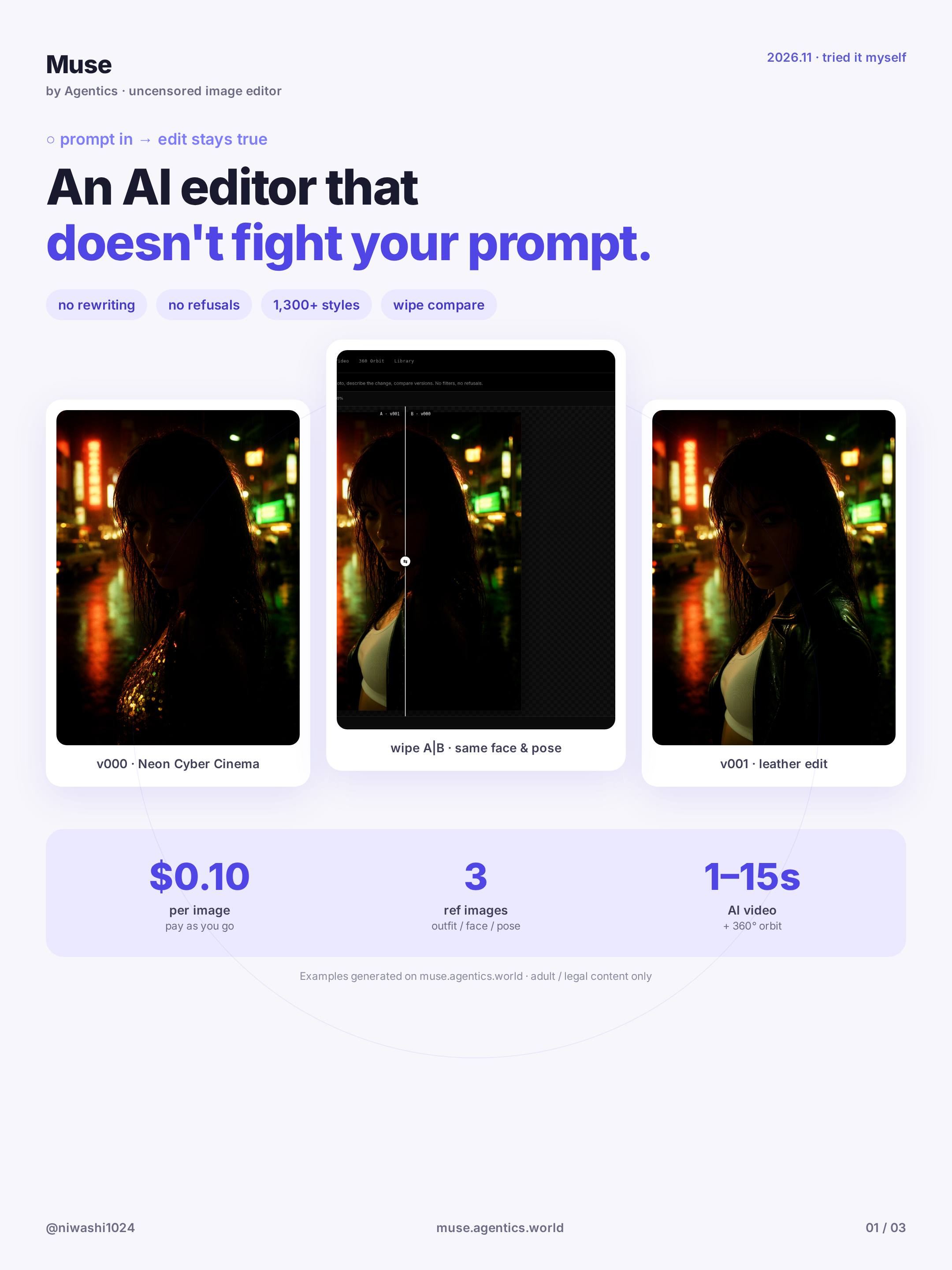
Muse is the first AI image editor that, for a lot of people, just does what you ask: no filter wall, the same face across edits, and pay-as-you-go pricing. This guide covers what Muse is, how to sign in, what it costs, and how to run your first edit while keeping the character consistent. Open Create AI Image in another tab and follow along.
What Muse is
Muse is an uncensored AI image and video editor for adults (18+). Your prompt goes straight to the model — nothing rewrites or refuses it — so adult themes are allowed when every character is clearly an adult. You can generate from text, edit an existing image with a short instruction, restyle with the Style library, and turn stills into short videos.
A few rules still apply: you must be 18 or older, every character must be an adult (anime included), and you only upload photos you have the right to use.
Sign in and pricing
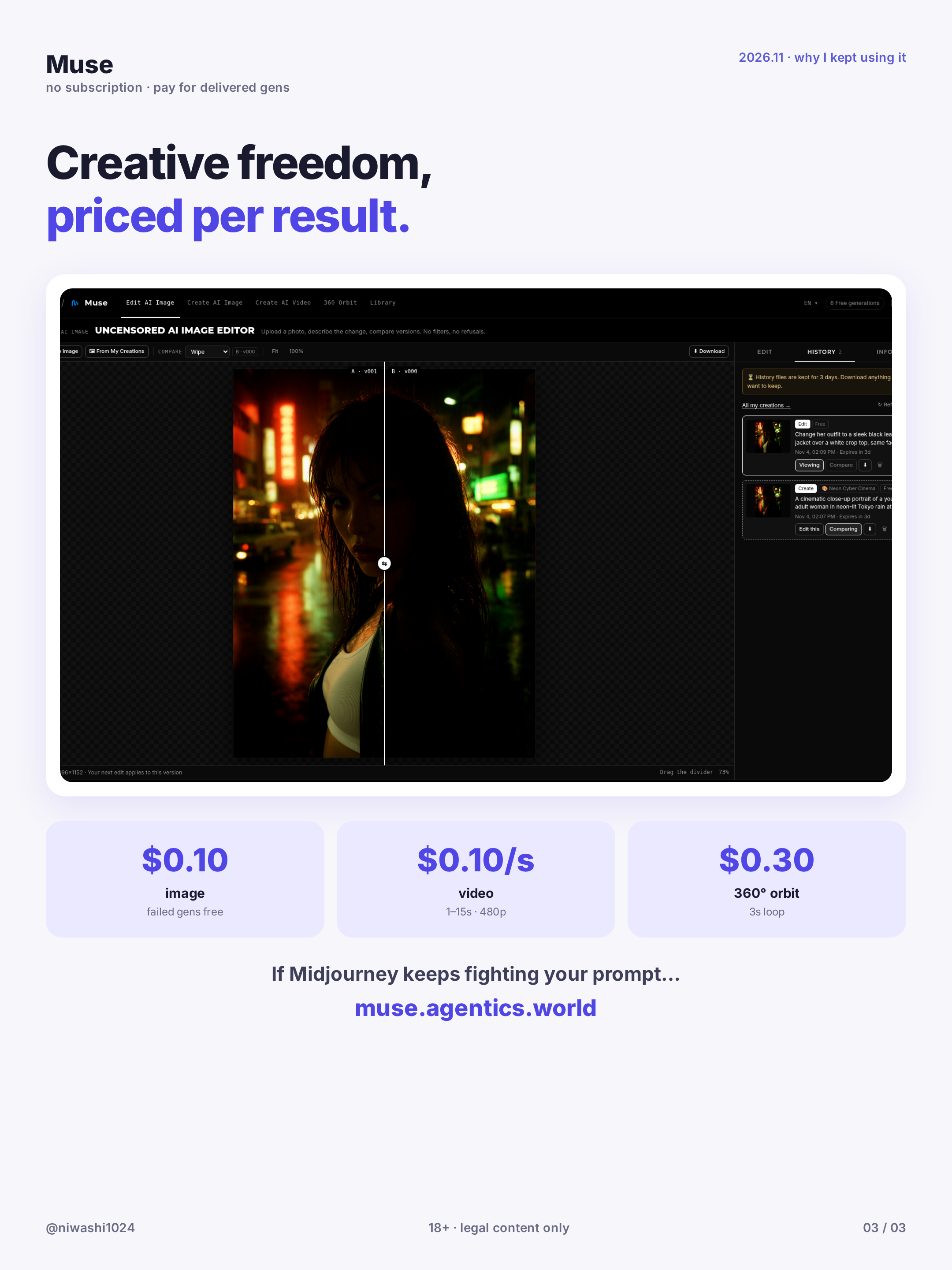
You sign in with a free Agentics account at muse.agentics.world. New accounts get 3 free images. After that, work is charged from your wallet:
- Image generation or edit: $0.10 per image
- Image to video: $0.10 per second
- 360 Orbit: $0.30 per orbit
Failed generations are never charged. Free images apply to stills only — video and Orbit are always paid.
Your first face-consistent edit
- Open Create AI Image and generate a base portrait (or upload one you own).
- Keep the result you like best — that image becomes Image 1.
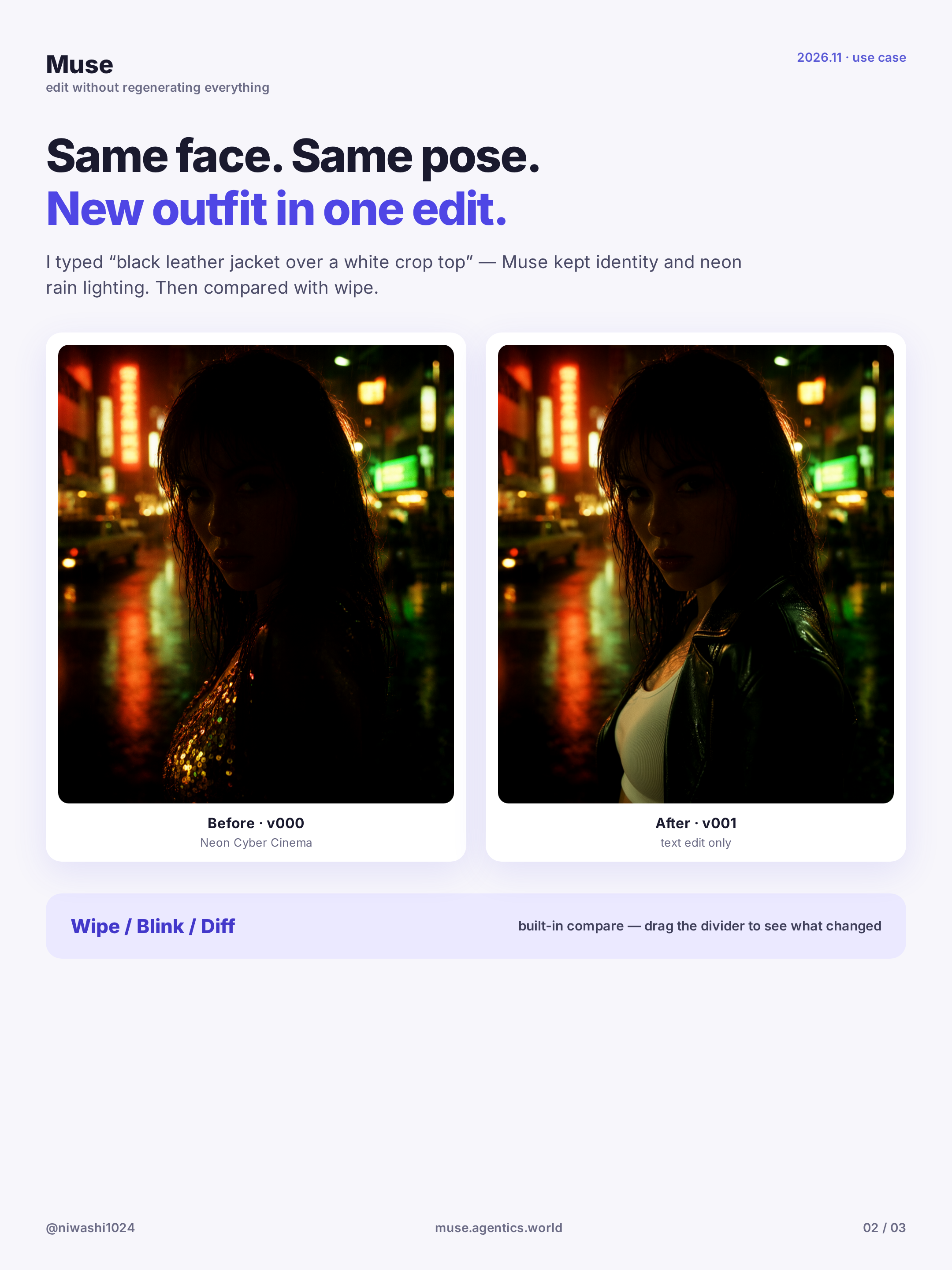
- In Edit AI Image, give one short instruction, for example: "change her outfit to a red silk dress, keep the same face and hairstyle".
- Generate. The model changes what you asked for and keeps the rest, so the character stays the same.
For a series, always edit from your favourite result instead of generating each frame from scratch, and start the prompt with "Keep the same face and identity as Image 1".
Where to try it
Start on Muse → Create AI Image. Use your 3 free images to test a base portrait and one or two edits. When you are ready for motion, try Image to Video or 360 Orbit.
Wrap-up
Uncensored edits, face consistency, and simple pay-as-you-go pricing. That combination is what most people notice first. Next, see how to keep the same face across outfit changes with the A|B wipe compare, or restyle one portrait with the Style library.
Related guides
Make a looping 360° orbit from one square image
Turn one square still into a seamless 3-second camera orbit with Muse 360 Orbit. Crop, generate, download — no prompt needed. Step-by-step.
Keep the same face across outfit edits (with A|B wipe compare)
Upload or generate a base character, change the outfit with one prompt while keeping the face, then compare versions with the A|B wipe slider. Step-by-step.
Uncensored AI Image Prompts: A Practical Guide
How to write prompts for an uncensored AI image generator: a five-part structure, styles, aspect ratios, references, example prompts and fixes.